

HighLevel AI Studio vs Lovable: An Honest Comparison

Both tools let you chat your way to a working website or web app. They're built for different jobs, though. Lovable is a general-purpose AI app builder. HighLevel AI Studio is a builder that lives inside a CRM. B365 Solutions uses Lovable, so we know the question comes up. This comparison sticks to what each company's own documentation says, plus one first-hand note on how we connect forms to HighLevel.
Key takeaways
- Pick AI Studio if your pages need to feed a HighLevel CRM: forms, calendars, payments and workflows connect natively. Agency users get it free, subject to fair use.
- Pick Lovable if you're building a standalone product or app and want a broad backend, more sign-in options and Git sync to GitHub, GitLab or Bitbucket.
- Both let you export your code and sync it with GitHub. Neither locks you in at the code level.
Note: AI Studio isn't part of HighLevel's Level Up 2026 recap; it's a recently added tool.
Who we are and why we're comparing
B365 Solutions builds and runs websites for local businesses, and we use Lovable. We've kept the comparison to facts from each company's own pages.
Side-by-side: what each company documents
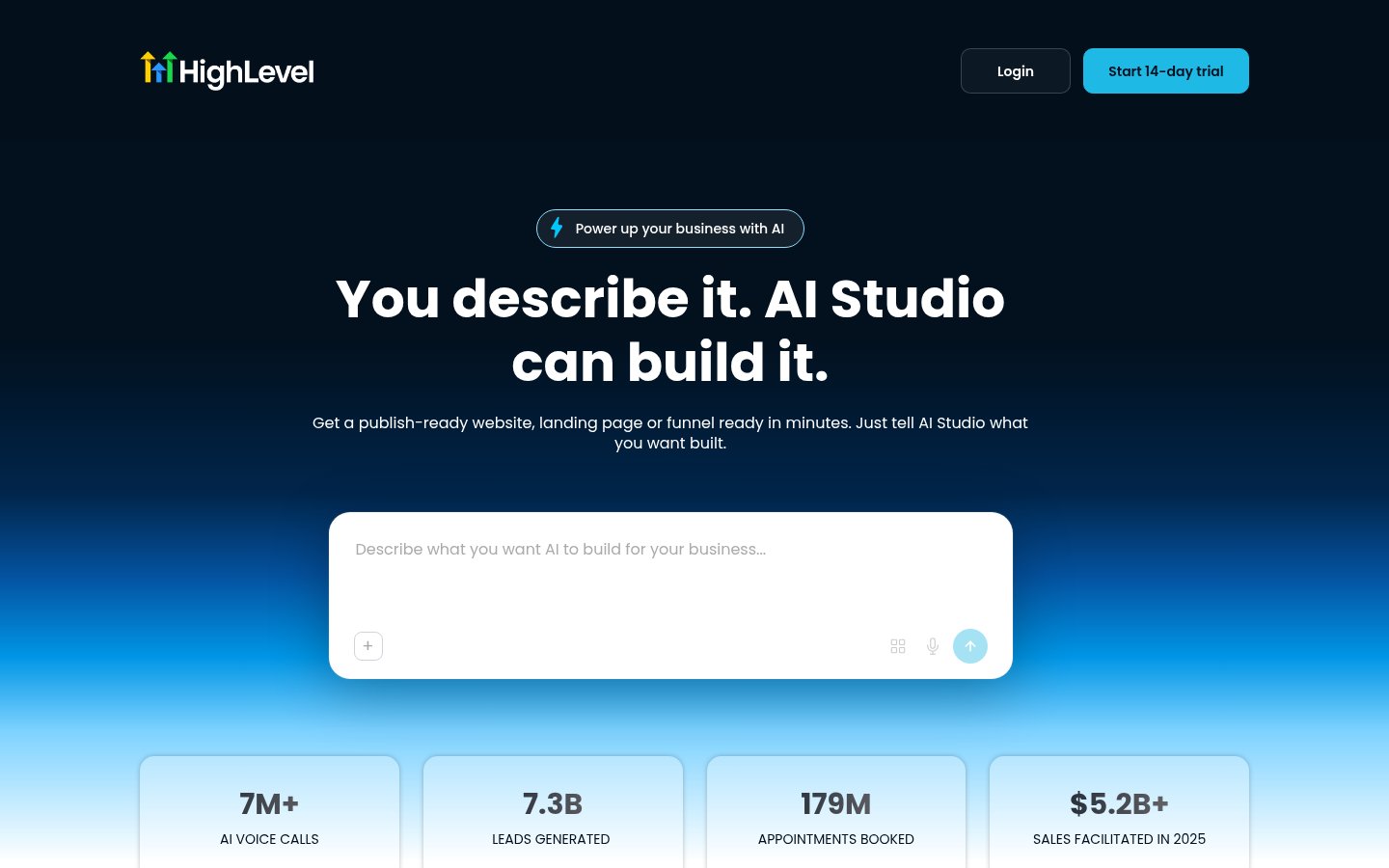
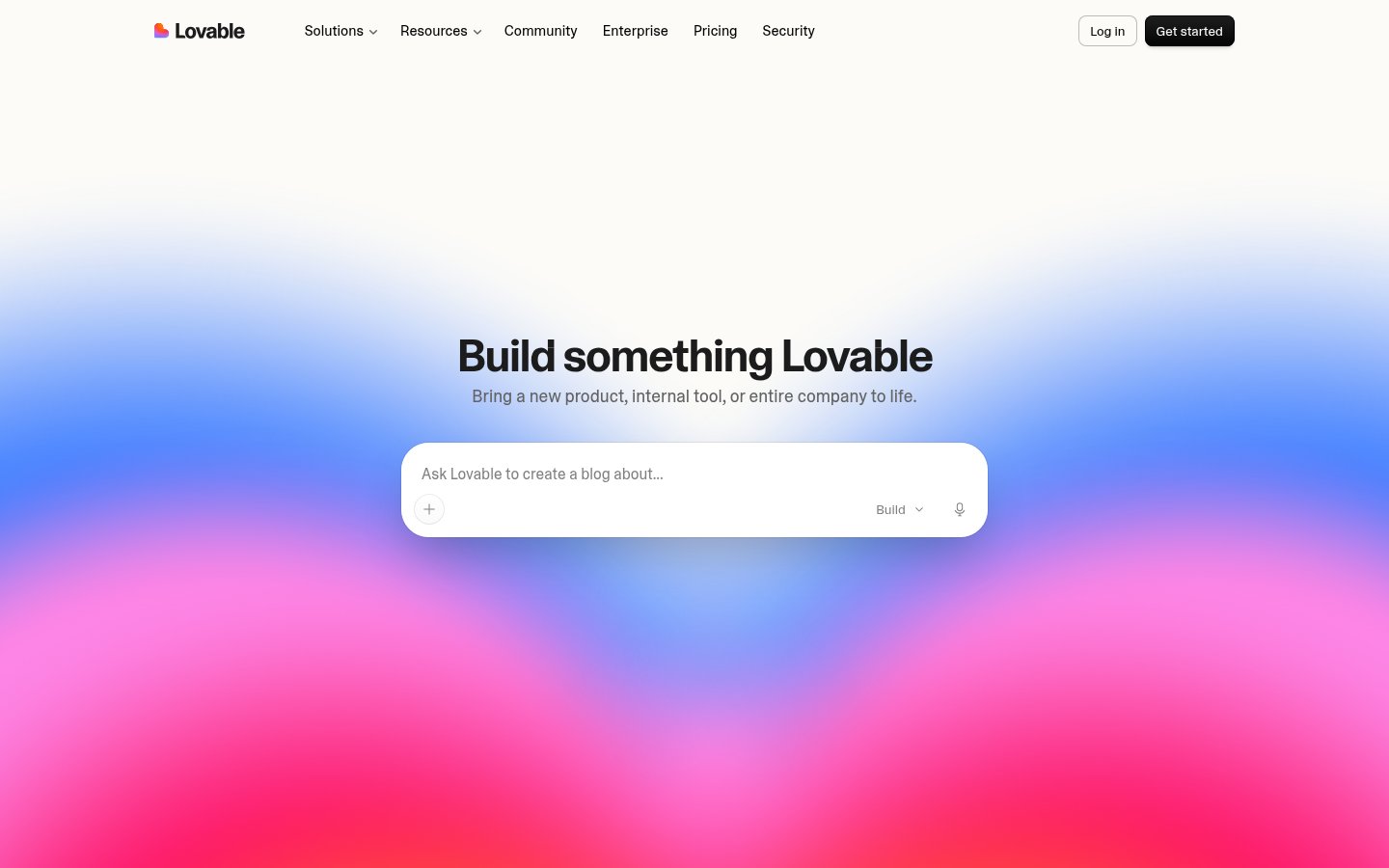
Screenshots of each product's own site, taken Nov 4, 2026.
| HighLevel AI Studio | Lovable | |
|---|---|---|
| What it is | "A conversational, AI-powered builder" for websites, landing pages and interactive experiences, inside HighLevel | "An AI software engineer, which enables anyone to build for the web," for websites and web apps |
| Ways to start | Prompt, template, reference URL or image | Chat; can also import a project from other tools or "any ZIP of code" |
| Editing | Chat, Visual Edits, built-in code editor, version history | Chat (Default and Plan modes), a code editor, and more |
| Backend | Cloud: database, users, storage, secrets; TanStack Start projects | Built-in backend ("Cloud") on Supabase's open-source foundation: database, auth, storage, edge functions, jobs, secrets, logs |
| Sign-in options | Email and password (initial Cloud release) | Email, phone, Google, Apple, Microsoft, SAML SSO, OIDC and more |
| Code export | Download codebase as ZIP | Download codebase (paid plans) |
| Git sync | Two-way Git Sync with GitHub | Two-way sync with GitHub, GitLab or Bitbucket |
| Custom domains | Yes, after publishing to a preview domain | Yes, on paid plans |
| Payments | Uses your existing HighLevel products and payment setup | Connect your own Stripe account |
| CRM link | Native: forms and calendars connect to your sub-account; AI Studio Form Submitted workflow trigger | Through connectors and APIs |
| Code ownership | Exportable via ZIP and Git Sync | Lovable says: "You own your code" |
Where each one wins
Where HighLevel AI Studio wins
- Your client already runs on HighLevel. Connected forms send submissions into the sub-account. They show up in Contacts and can start workflows through the AI Studio Form Submitted trigger. Booking sections connect to calendars that already exist.
- Payments use what you've set up. AI Studio uses the products and prices already in your HighLevel account, and HighLevel handles processing and order records.
- Cost for agency users. HighLevel says agency admins and users on the $97, $297 and $497 plans get AI Studio usage at no extra cost, subject to fair use, in rolling five-hour windows.
- Reuse across clients. Projects can be cloned to other sub-accounts in your agency or packaged in Snapshots.
Where Lovable wins
- A broader built-in backend. Lovable's docs list edge functions, scheduled jobs and logs alongside the database, auth and storage.
- More sign-in methods out of the box, including social logins and enterprise SSO.
- More Git providers. GitLab and Bitbucket as well as GitHub.
- Standalone apps. If there's no HighLevel account in the picture, there's nothing to connect AI Studio to.
- Team pricing by credits, not seats. Lovable says workspaces support unlimited members on all plans.
How forms reach HighLevel on our own sites
With AI Studio, you ask it to connect a form and submissions land in the sub-account. A site built outside HighLevel needs that wiring done separately. Here's how we do it.
On our B365 sites, forms post to our own server code, which creates or updates a HighLevel contact through the HighLevel API, tags it, and saves the full submission as a note. For each lead, it also creates a private note in Conversations that @mentions the owner, plus an opportunity at New Lead in a website-leads pipeline. Preview and checkout events then move that opportunity forward automatically.
That takes custom code to build and maintain. With AI Studio, the connection is built in.
Cost: how each one charges
HighLevel AI Studio:
- Agency users: free, subject to fair use.
- Sub-account users: pay-per-use, or included usage through AI Employee plans (Starter $20/month for Founder-plan agencies only, Growth $50, Unlimited $97 per sub-account).
- Cloud hosting is billed separately. Each project gets a free Tiny instance, 2 GB of database storage and 1 GB of file storage.
Lovable:
- Lovable charges in credits. A credit's value depends on your plan and the feature used.
- The free plan includes 5 daily build credits (up to 30 a month), 20 Cloud credits a month, and 4 credits for AI features in your app.
- Paid plans (Pro, Business, Enterprise) add monthly credits.
- Lovable's examples: "Make the button gray" costs 0.50 credits, and "Build me a landing page, use images" costs 1.70 credits.
- Credits expire. Monthly plan credits expire two months after they're issued.
- For current plan prices, see Lovable's pricing page, or start on Lovable's free plan.
Can you move a project between them?
- Lovable says it can import a project from other tools, or from "any ZIP of code." AI Studio can export a ZIP. We haven't tested that round trip, so treat it as possible, not proven.
- HighLevel's AI Studio docs we checked don't describe importing a project from another builder. And AI Studio projects can't be moved into HighLevel's standard Funnels or Websites builders.
Which should you pick?
- Agency on HighLevel, building client lead-gen and booking pages: start with AI Studio.
- Building a product, SaaS app or tool that stands on its own: Lovable is the more general builder.
- Not sure: both have a free way to try them (HighLevel's 14-day trial; Lovable's free plan). Build the same small page in each and compare.
Frequently asked questions
Is HighLevel AI Studio a Lovable alternative?
For pages that need to connect to a HighLevel CRM, it can be. Both build websites and web apps from chat. Lovable is a general-purpose builder, while AI Studio connects natively to HighLevel forms, calendars, payments and workflows.
Can I move a Lovable project into HighLevel?
HighLevel's AI Studio documentation we checked doesn't describe importing projects from other builders, so we can't say it's supported.
Which is cheaper for agencies?
If you're already a HighLevel agency user, HighLevel includes AI Studio at no extra cost, subject to fair use. Lovable charges in credits, with a free plan and paid plans. Check both pricing pages for your exact usage.
Does either let me own and export my code?
Yes. AI Studio offers a ZIP download and two-way Git Sync with GitHub. Lovable offers codebase download on paid plans, two-way Git sync, and says you own your code.
Which is better for client websites?
If the client runs on HighLevel, AI Studio keeps forms, bookings and workflows in one place. If the client doesn't use HighLevel, a standalone builder such as Lovable avoids depending on a CRM you don't need.